Instant Access
Your iWild account opens in seconds from any modern browser. The same credentials work on desktop, tablet, and mobile without switching between platforms.
Login at iWild in Canada: SSL-Protected Sign In
Access your account from any browser on desktop or mobile - no app download required.
Keep Your Account Secure
What You Should Do
What You Should Avoid
Your Login, Your Way
Instant Access
Your iWild account opens in seconds from any modern browser. The same credentials work on desktop, tablet, and mobile without switching between platforms.
Secure Sessions
Every login is protected by 128-bit SSL encryption and optional two-factor authentication to keep your account and CAD balance safe.
Mobile Browser Login
The full iWild Casino interface, including cashier, live casino, and the Bonus Shop, is accessible through your phone's browser without downloading anything.
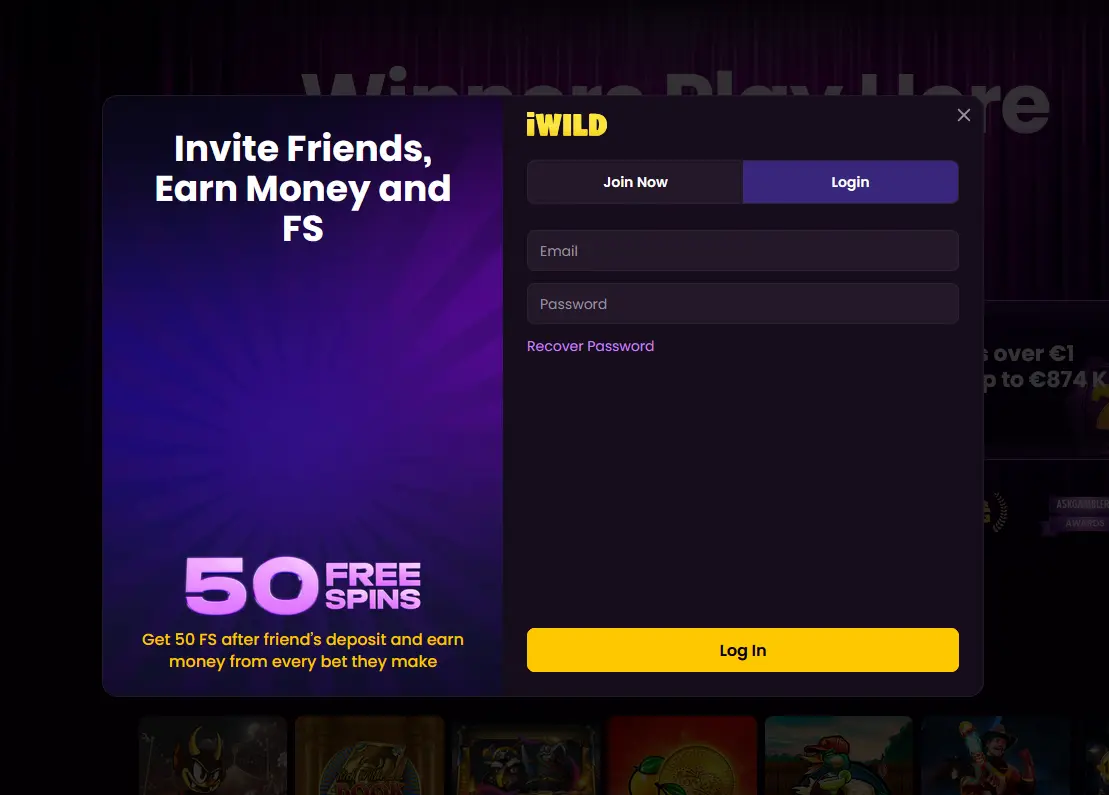
Signing in to iWild Casino requires the email address and password you provided during registration. There are no separate login methods for social accounts or third-party authentication services: the email-and-password combination is the single entry point for all devices and platforms. Two-factor authentication can be activated in your account security settings to add a second layer of protection, particularly useful if you play from multiple devices.
Accessing your account is the same process regardless of where you are playing.
Open iwildcasino24.com in any modern desktop browser, click the Sign In button in the upper navigation, enter your registered email and password, and click Confirm. If two-factor authentication is active, you will be prompted to enter the code from your authenticator app before the account opens.
Navigate to iwildcasino24.com in your phone’s browser. The site detects your screen size automatically and presents a mobile-optimized layout. Tap Sign In, enter your credentials, and you are inside your full account including the cashier, game lobby, Bonus Shop, and live chat support. There is no separate mobile login address and no app to install.
iWild Casino does not offer a dedicated native app, but the mobile browser experience behaves like one. On iOS you can add the site to your home screen via Safari’s Share menu, and on Android you can use Chrome’s “Add to Home Screen” option, creating a shortcut that opens the site directly in full-screen mode each time you tap it.
Most login difficulties fall into one of a few categories, each with a straightforward fix.
If you cannot remember your password, use the Forgot Password link on the login screen. Enter your registered email address and you will receive a reset link within a few minutes. If the message does not appear in your inbox, check your spam or junk folder, and if it is not there either, email [email protected].
If your account appears locked or suspended, contact the 24/7 live chat team directly. Temporary locks usually occur after several consecutive failed login attempts and lift automatically after a short interval, but the live chat team can resolve them immediately.
If the site will not load in your browser, try clearing your browser cache, switching to a different browser, or checking your internet connection. The iWild platform is supported by all major desktop and mobile browsers including Chrome, Firefox, Safari, and Edge.
Every session at iWild Casino is encrypted with 128-bit SSL technology, meaning the connection between your device and the platform is protected from interception. For additional protection, two-factor authentication (2FA) is available through the account security section of your profile. Once activated, a time-sensitive code from an authenticator app is required alongside your password at each login, which makes unauthorized access significantly more difficult even if your password is compromised.
KYC verification, which requires a government-issued photo ID such as a driver’s licence or passport plus a proof of address such as a utility bill or bank statement, is completed before your first withdrawal. Having documents verified in advance means withdrawals are processed without delay when you are ready to cash out. For any account security concerns, reach the support team any time via live chat or at [email protected].
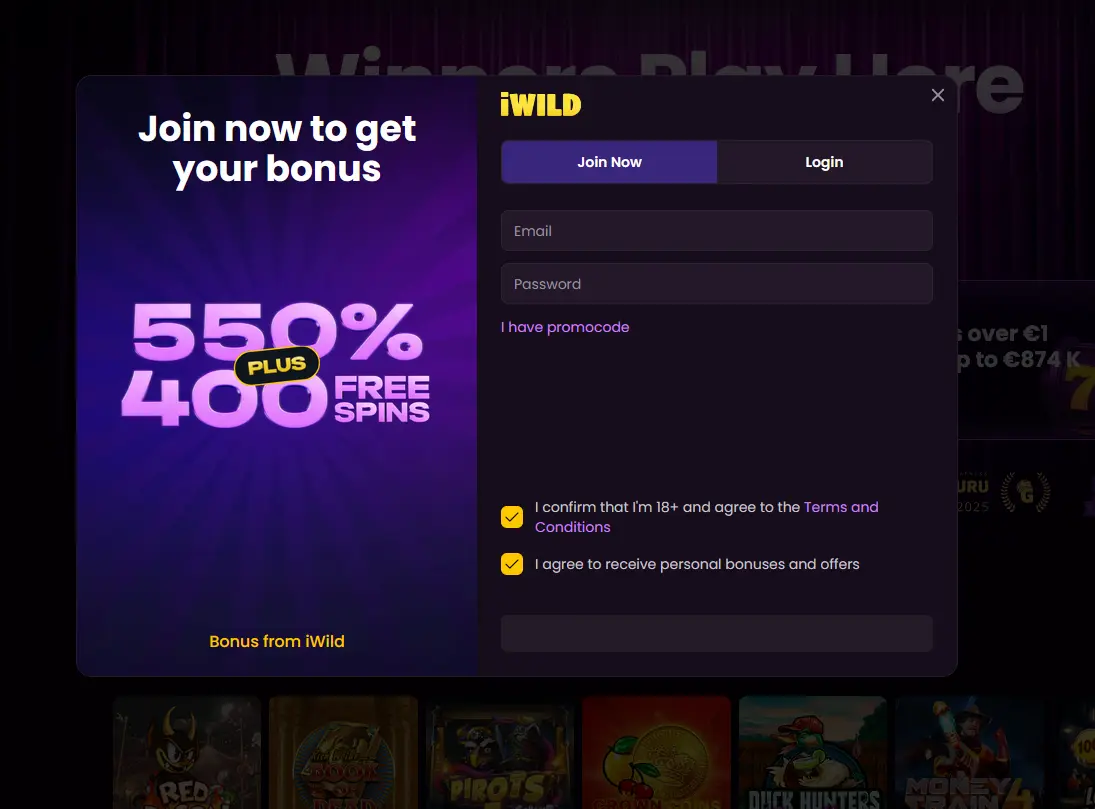
Registration at iWild Casino takes under five minutes. Visit the site, click Sign Up, provide your details, confirm your email address, and your account is ready to use. The four-deposit welcome package, worth up to $5,300 plus 270 free spins on Pragmatic Play titles, is available to new players aged 19+ (18+ in Alberta, Manitoba and Quebec) who have not previously held an account.
Login Questions Answered
Click the 'Forgot Password' link on the login screen, enter your registered email address, and follow the reset link sent to your inbox. If the email does not arrive within a few minutes, check your spam folder or contact [email protected].
Yes. iWild Casino runs entirely in your phone's browser using HTML5, so you can sign in through Safari on iOS or Chrome on Android with the same credentials you use on desktop.
The platform locks accounts temporarily after a number of consecutive incorrect password attempts as a security measure. Wait a few minutes, then use the 'Forgot Password' reset option, or contact live chat support for immediate assistance.
No. iWild Casino's terms allow one account per player. Duplicate accounts are flagged by the platform and may result in the suspension of bonuses, including any active welcome bonus package.
Ready to Play? Sign In Now
Grab 100% up to $5,300 and 270 free spins.
Enter Casino Play responsibly: gambling involves a risk of dependency and is restricted to those 18 and older. Bonus offers are subject to their own terms.